MCP-Client verbinden
Gleicher Endpoint überall. VS Code nutzt den JSON-Key servers.
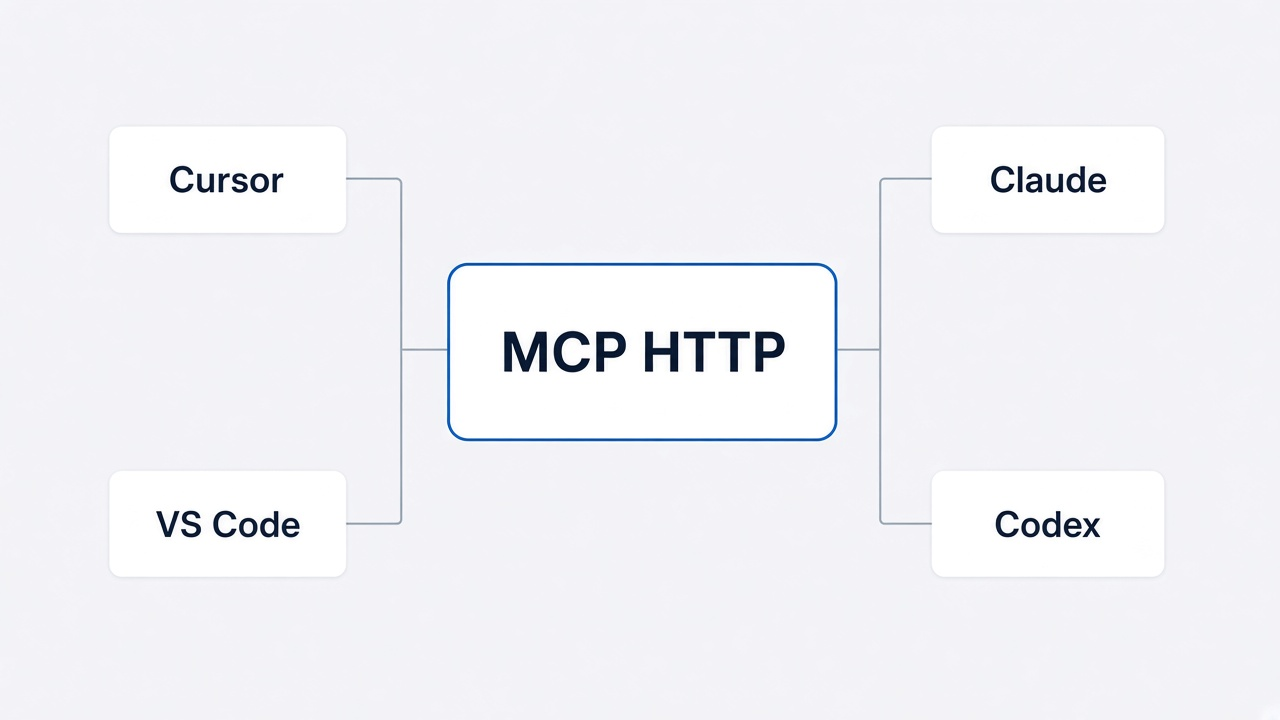
onlinesim mcp muss laufen, solange der Client verbunden ist.
Automatisch verbinden (empfohlen)
Schreibt den HTTP-Endpunkt in IDE-Konfigdateien. Startet den MCP-Server nicht.
Bash
onlinesim mcp install
onlinesim mcp install --client cursor --global
onlinesim mcp install --client vscode --project
onlinesim mcp install --client claude --project
onlinesim mcp install --client all --project
onlinesim mcp install --client codex --global
Flags: --dir <Projekt>, --url <Endpoint>, --force (bestehenden onlinesim-Eintrag überschreiben).
In Cursor besser der Agent-Skill (Binary, MCP und Login über den Agenten):
Bash
npx skills add on-org/onlinesim-mcp -a cursor -yManuelle Einrichtung nach Client
Dieses JSON in Cursor mcp.json legen:
~/.cursor/mcp.json— global (alle Projekte).cursor/mcp.json— dieses Projekt
JSON
{
  "mcpServers": {
    "onlinesim": {
      "type": "http",
      "url": "http://127.0.0.1:8787/mcp"
    }
  }
}