CLI & configuration
Everything MCP can do is also available as onlinesim subcommands.
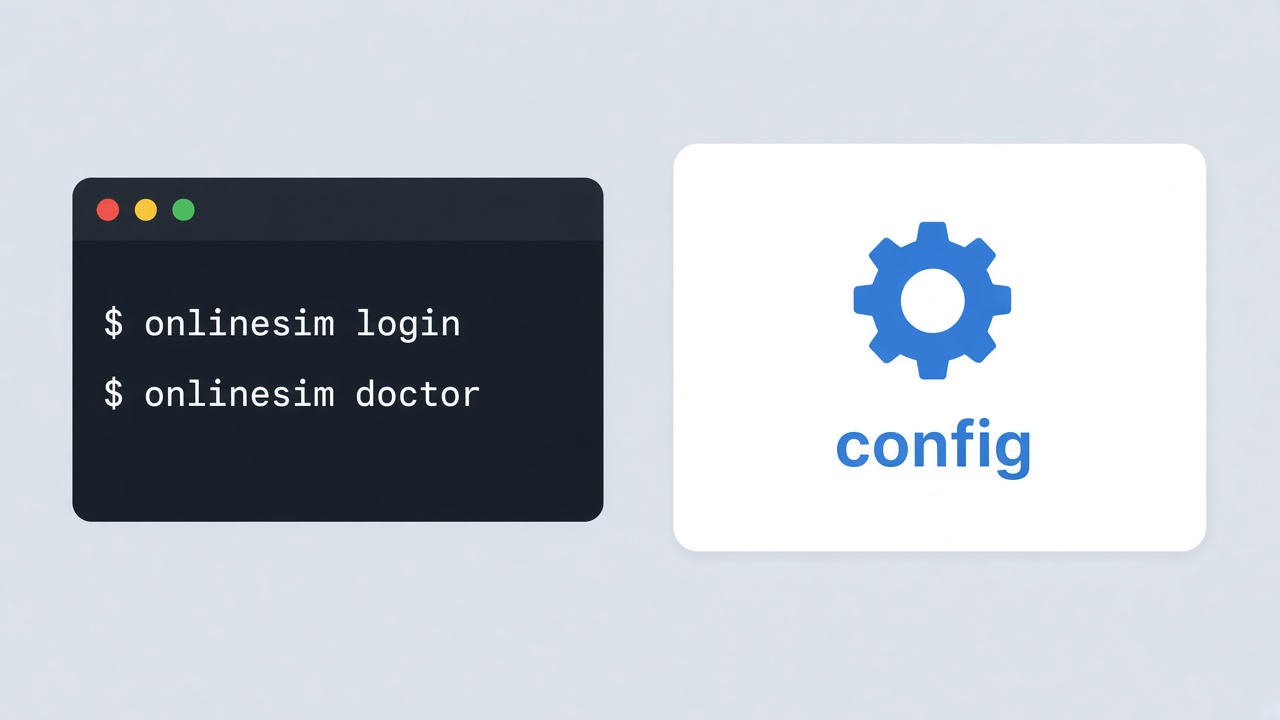
Commands
onlinesim login— save API keyonlinesim logout— remove stored keyonlinesim doctor— check config and connectivityonlinesim balance— print balanceonlinesim mcp— start Streamable HTTP MCP serveronlinesim mcp autostart …— login/reboot autostart (enable, status, start, uninstall)onlinesim sms …— Quick SMS (search, order, check, cancel)onlinesim rent …— long-term rentalsonlinesim config …— show / set / path
Auth & config
Key is stored locally after login. Env overrides the file. Long-lived MCP reloads key/URL on each tool call.
ONLINESIM_APIKEY— API key overrideONLINESIM_NO_UPDATE=1— skip GitHub update check
Config lives under the OS app config dir for project io.onlinesim.onlinesim (e.g. ~/.config/onlinesim/config.json on Linux).
Autostart
Enable login/reboot autostart with auto-launcher — same model on Windows (Run key), macOS (LaunchAgent), and Linux (systemd --user). Default is user-level so your config and API key keep working.
Use --system for machine-wide autostart (needs sudo / Administrator).
Bash
onlinesim mcp autostart install
onlinesim mcp autostart status
onlinesim mcp autostart start
onlinesim mcp autostart uninstall
sudo onlinesim mcp autostart install --system
System tray
While onlinesim mcp runs, a tray icon shows balance, active numbers/SMS (click to copy), desktop alerts on new SMS (code auto-copied), client install, Start at login, Notify on SMS, and Quit. Use --no-tray for headless/SSH.
Useful flags
Bash
onlinesim --format json balance
onlinesim mcp --bind 127.0.0.1:8787
onlinesim mcp --allow-remote
onlinesim mcp --no-tray
--allow-remote binds off loopback. MCP has no auth — restrict network access.