Connect an MCP client
Same endpoint for all clients. JSON shape differs slightly for VS Code.
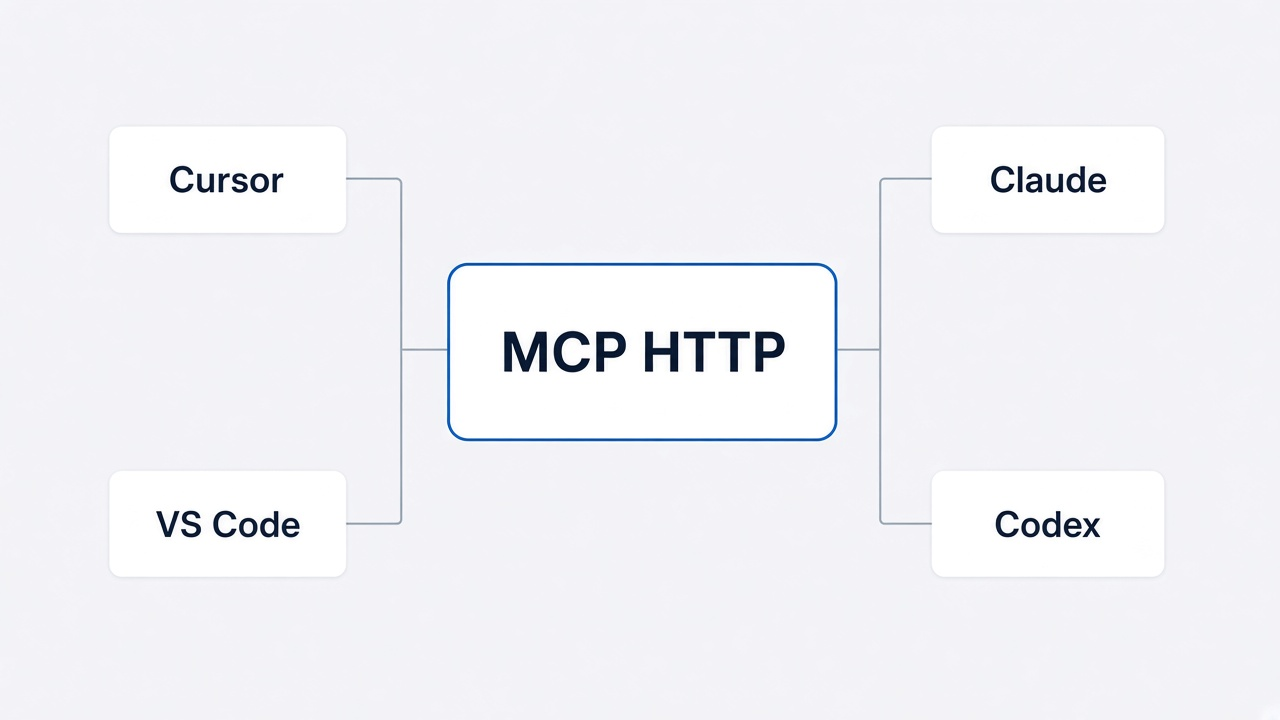
Keep onlinesim mcp running while the client is connected.
Auto-wire (recommended)
Write the HTTP endpoint into IDE config files. Does not start the MCP server.
Bash
onlinesim mcp install
onlinesim mcp install --client cursor --global
onlinesim mcp install --client vscode --project
onlinesim mcp install --client claude --project
onlinesim mcp install --client all --project
onlinesim mcp install --client codex --global
Flags: --dir <project>, --url <endpoint>, --force (overwrite existing onlinesim entry).
Prefer the Agent Skill in Cursor (installs binary, starts MCP, and handles login when needed):
Bash
npx skills add on-org/onlinesim-mcp -a cursor -yManual setup by client
Put this JSON in a Cursor mcp.json file:
~/.cursor/mcp.json— global (all projects).cursor/mcp.json— this project
JSON
{
  "mcpServers": {
    "onlinesim": {
      "type": "http",
      "url": "http://127.0.0.1:8787/mcp"
    }
  }
}